

Best Group Trip Planning Apps: 6 Options and Who Each Suits
Compare six group trip planning apps by the job they do: picking dates, planning on a map, collecting money, splitting costs, and keeping one shared itinerary.

On this page
The best group trip planning app depends on which job the group is stuck on. Before anything is booked, Let’s Jetty handles invitations and RSVPs. While you are choosing places, Wanderlog lets everyone edit a map-based plan. Once flights and stays are booked, Tineo or TripIt keep them in one itinerary. For money, SquadTrip collects payments for hosted trips and Splitwise settles shared costs among friends.
Tineo publishes this guide and is one of the six apps in it. We did not run hands-on tests of the other five. Each claim about them comes from the provider’s own page, read on November 13, 2026, and we say so where a page does not state something.
Group trip planning apps at a glance
Scroll sideways to read every column.
| App | The job it does | Who it suits | What its page states |
|---|---|---|---|
| Tineo | One shared itinerary from booking confirmations | Groups that have booked and need everyone looking at the same plan | Email import through trips@tineo.ai, shared trips, polls, shared expenses, offline itinerary access; web, iOS and Android; free plan, Ultra at $4.99 per month or $39.99 per year |
| Wanderlog | Planning places and routes together | Groups still deciding what to do each day | Live syncing and collaborative editing, budget tracking with cost splitting between tripmates, reservations added by connecting or forwarding email; iOS and Android apps. Pro price not stated on the homepage |
| Let’s Jetty | Getting people to commit | The organizer at the “who is coming and when” stage | Shareable trip invitations, RSVP deadlines, a trip survey and an itinerary planner; web-based, no download needed. Pricing not stated on the homepage |
| SquadTrip | Collecting money for a hosted trip | Retreat leaders, community hosts and tour operators | A booking page with rooms and packages, deposits and automatic installments, payouts to the organizer’s Stripe or Square account; a free plan, paid plans from $29 per month, and a 6% processing fee paid by travelers |
| Splitwise | Splitting shared costs | Any group that already has a plan and only needs the ledger | Shared expenses and balances, equal or unequal splits, settling up; free on iPhone, Android and web, with a Pro tier whose price the homepage does not state |
| TripIt | A master itinerary one person maintains | A single organizer who forwards every confirmation | Forwarding confirmation emails to plans@tripit.com and sending plans to others by text, email or apps; TripIt Pro is a separate paid tier |
Sources, all read on November 13, 2026: Wanderlog, Let’s Jetty, SquadTrip, Splitwise, TripIt and Tineo pricing. Prices and features change, so confirm on the provider’s page before you pay.
Pick by the stage your group is in
Group trip hub
The three jobs every group itinerary has
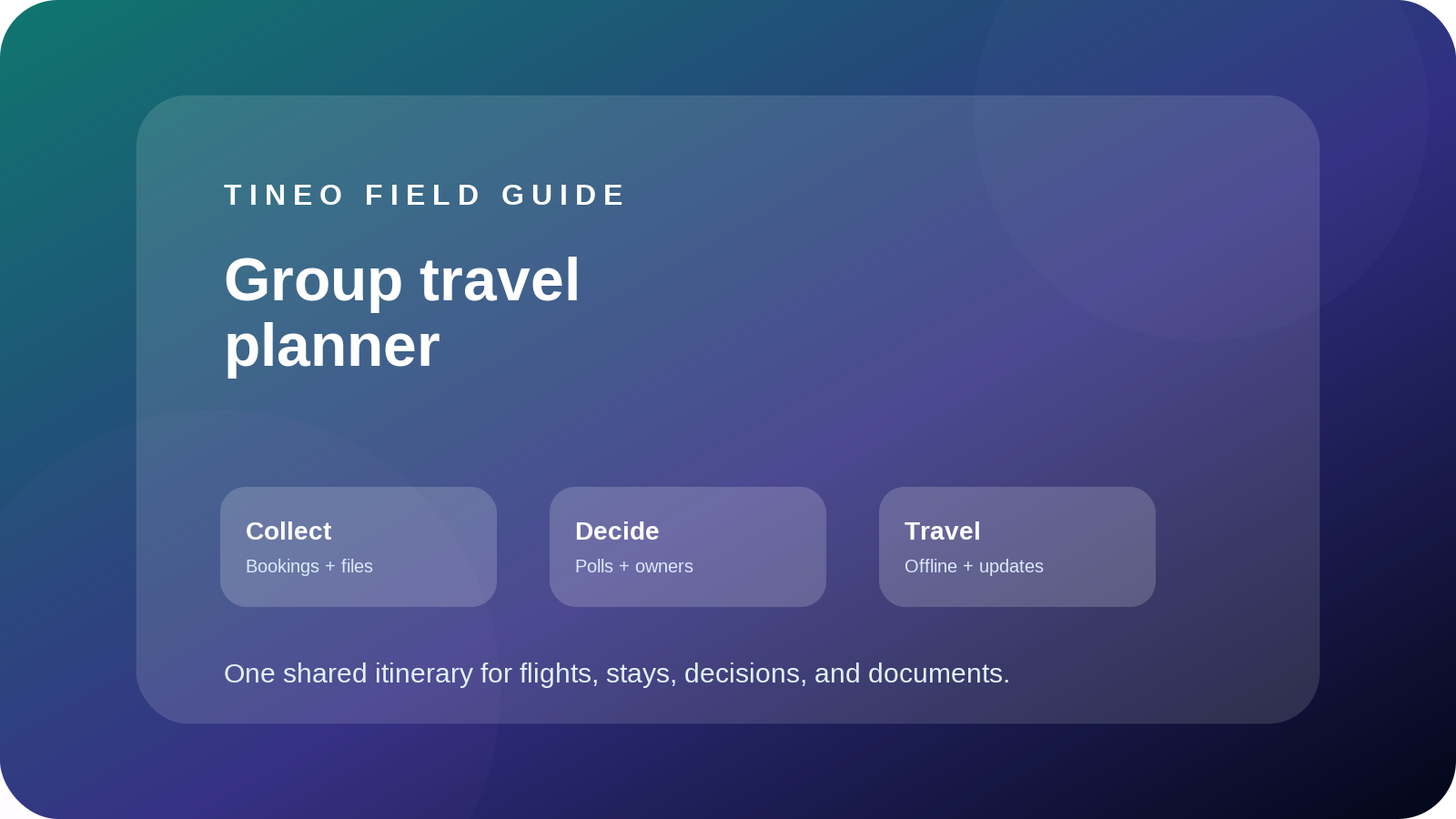
Collect
Bring the facts together first.
Flights, lodging, tickets, confirmations, documents, addresses, and booking owners.
Decide
Turn opinions into visible choices.
Polls, deadlines, payment notes, owners, and optional ideas that have not been booked yet.
Travel
Make the plan usable under pressure.
Offline access, meetup points, backup contacts, checkout tasks, and changed-plan notes.
Nobody has committed yet. Use Let’s Jetty, or a simple date poll, until you know who is coming. An itinerary app is the wrong tool for a group that has not agreed on dates.
You are choosing what to do. Use Wanderlog if the group wants to drop places on a map and shape days together.
Flights and stays are booked. Use Tineo if you want the confirmations read for you and the group to see one timeline. Use TripIt if one person is happy to own the itinerary and send it around.
Someone is fronting the costs. Use Splitwise among friends. Use SquadTrip only if you are a host selling places with deposits and installments; it is built for organizers who take payments, not for friends splitting a villa.
For an illustrative example, picture eight friends renting a house for a long weekend. Two weeks of date debate end with an RSVP deadline. Three people book flights from different cities and forward the confirmations into one shared itinerary, so everyone can see who lands when. The house deposit and groceries go into an expense ledger and are settled the week after. That is three jobs, and it is normal for them to live in two or three tools.
The six apps
Tineo
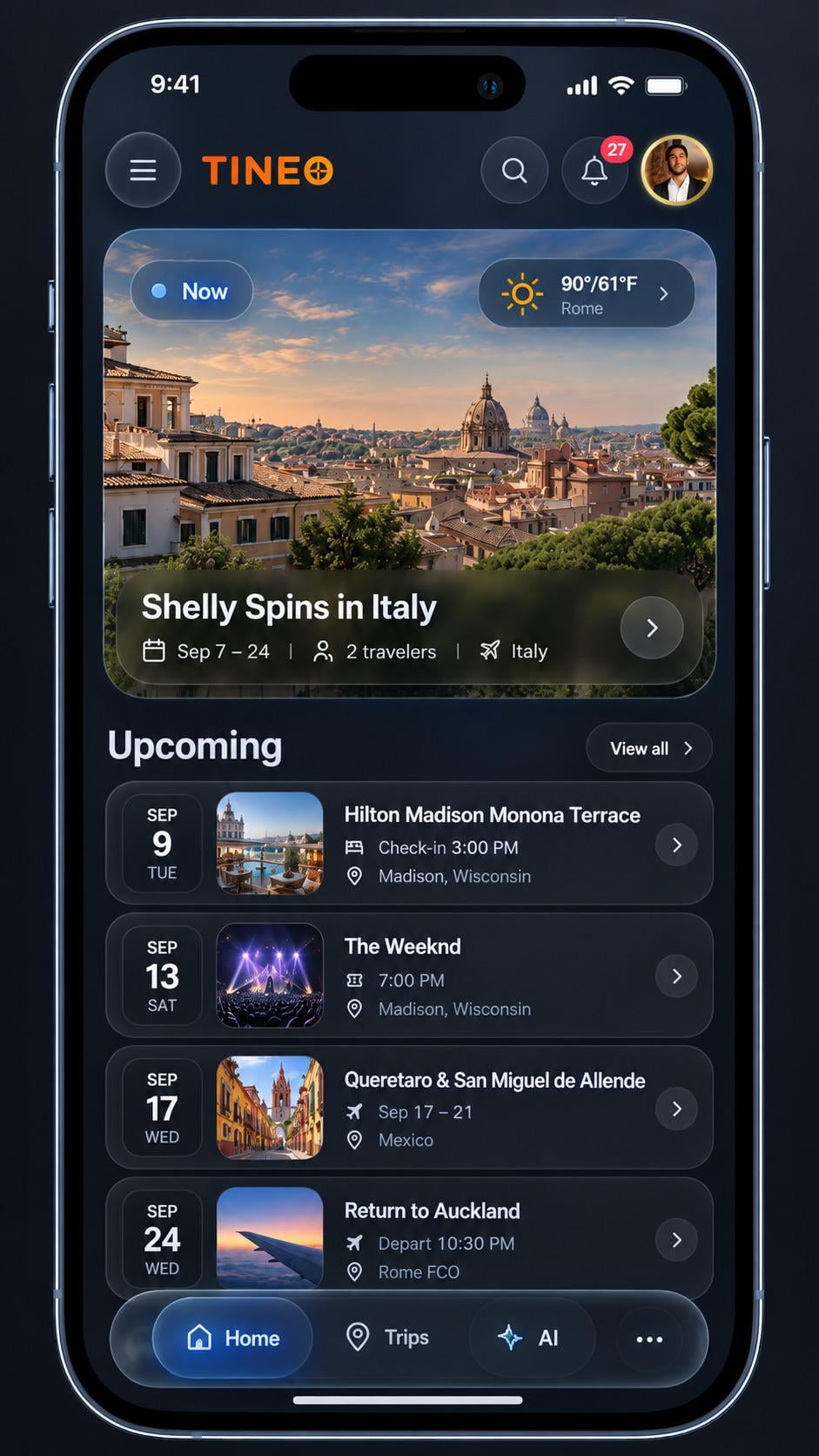
Tineo is a trip organizer that turns booking confirmation emails into one chronological itinerary. Forward a confirmation to trips@tineo.ai and the flight, stay or reservation lands in the trip, which you then share with the group. The group can add polls for open decisions and track shared expenses in the same trip. The itinerary is available offline in the iOS and Android apps on the free plan. Tineo Ultra is optional at $4.99 per month or $39.99 per year (pricing).
Where it is not the first choice: Tineo starts from bookings. It has no RSVP or invitation stage, and it does not collect payments from travelers.
Wanderlog
Wanderlog’s homepage describes planning “along with your friends with live syncing and collaborative editing”, keeping track of a budget and splitting the cost between tripmates, and adding reservations by connecting or forwarding email. It suits groups that plan visually. See Wanderlog vs Tineo for a closer look.
Let’s Jetty
Let’s Jetty describes shareable trip invitations, RSVP deadlines so the organizer can see who has committed, a trip survey for preferences and an itinerary planner. It says it is web-based and needs no download. Its homepage does not state pricing. Our Let’s Jetty alternatives guide covers what to use after the RSVP stage.
SquadTrip
SquadTrip is aimed at retreat leaders, community hosts and tour operators. Its site describes a booking page with rooms, packages and add-ons, deposits followed by automatic installments, and payouts to the organizer’s own Stripe or Square account. It lists a free plan, paid plans from $29 per month, and a 6% processing fee that travelers pay on top of the trip price. A mobile app is not established on the page we read.
Splitwise
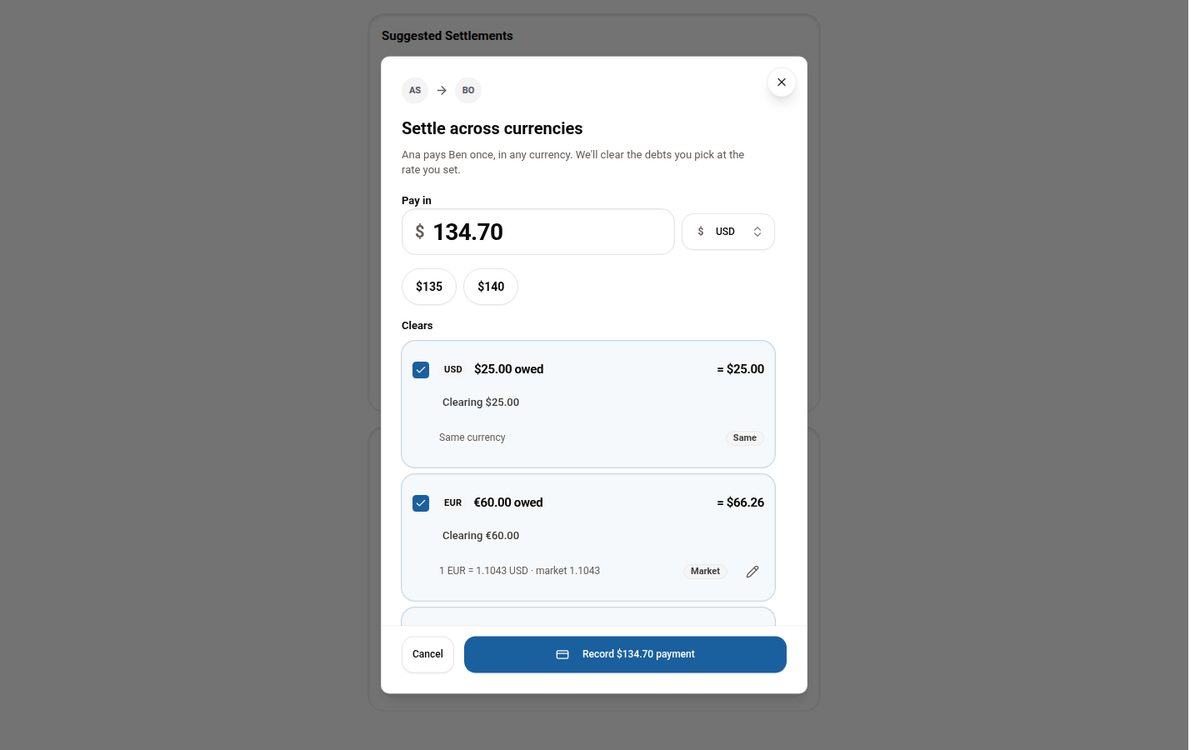
Splitwise tracks shared expenses and balances and shows who owes whom, with equal, unequal, percentage and share-based splits. It says it is free on iPhone, Android and web, with a Pro tier that adds extras such as receipt scanning and currency conversion. If your trip crosses currencies, see settling group trip expenses across multiple currencies, our trip expense apps comparison and Splitwise alternatives for group trips.
TripIt
TripIt builds an itinerary from confirmation emails forwarded to plans@tripit.com, and its page says you can send plans to the people who need them by text, email or apps. It suits a group with one organizer. For how it compares, see TripIt vs Tineo.
What belongs in the shared itinerary
Group planning flow
From group chat to actual itinerary
Use this sequence before creating niche plans for bachelor trips, family vacations, cruises, or sports tournaments.
-
Name the anchors
Add destination, dates, lodging, must-attend events, and fixed arrival or departure constraints.
-
Import confirmations
Forward or add flights, hotels, tickets, cars, trains, ferries, activities, and documents.
-
Assign owners
Add who booked, who paid, who has the file, and who is responsible for each open decision.
-
Invite the group
Share the itinerary after the first useful draft, then use polls and comments for unresolved choices.
-
Verify travel day
Check offline access, addresses, meetup points, backup contacts, and checkout timing before departure.
Scroll sideways to read every column.
| Category | Examples | Why it matters |
|---|---|---|
| Arrivals | Flights, trains, road-trip ETAs, pickup windows | Shows who can make each plan |
| Home base | Hotel, rental, cabin, room notes | Prevents address and access-code confusion |
| Anchors | Dinners, events, games, ceremonies, excursions, lift tickets | Protects paid or time-sensitive plans |
| Documents | PDFs, tickets, waivers, barcodes | Stops inbox and screenshot hunting |
| Decisions | Polls, owners, payment deadlines, optional ideas | Keeps the group from reopening settled choices |
| Travel-day context | Meetup points, backup contacts, checkout tasks | Makes the plan useful when people are moving |
If you want the planning steps instead of the tools, read how to plan a group trip.
Guides by type of group trip
- Group trip planner for friends: moving decisions out of the group chat.
- Bachelorette party planning app: deposits, outfit notes and guest arrivals.
- Bachelor party trip planner: flights, reservations, tickets and recovery blocks.
- Family vacation planner app: kids, documents and buffers.
- Multi-family vacation planning: shared houses, rooms, groceries and meal owners.
- Destination wedding travel planner: hotel blocks, shuttles and guest arrivals.
- Cruise group trip planner: pre-cruise hotels, port days and all-aboard timing.
- Ski trip planner app: lift tickets, rentals, lessons and mountain transport.
- Festival trip planner: tickets, set times and backup plans.
- Sports team travel planner: tournament hotels, fields and parent updates.
- Best team itinerary apps: offsites and work groups.
Frequently asked questions
What is the best group trip planning app?
It depends on the stage of the trip. Let’s Jetty fits invitations and RSVPs before anything is booked, Wanderlog fits choosing places together on a map, SquadTrip fits hosts collecting payments, Splitwise fits splitting costs, and Tineo or TripIt fit keeping the booked itinerary in one place.
Is there a free app to plan a trip with friends?
Yes. Tineo has a free plan that covers email import, a shared itinerary and offline access to the itinerary. Splitwise says it is free on iPhone, Android and web, and SquadTrip lists a free plan. Check each provider’s page for what its paid tier adds.
Do we need more than one app for a group trip?
Often, yes. Many groups use one tool to decide (dates, places), one place for the booked itinerary, and one for money. Some apps cover two of those jobs, and none of the six here is built for all of them equally.
What should a group trip itinerary include?
Arrivals and departures for each traveler, lodging with address and access details, reservations and tickets with confirmation numbers, who booked and who paid, open decisions with a deadline, and meetup points and backup contacts for travel day.
Keep reading
splitwise alternative
Splitwise Alternatives for Group Trips: Free Options After the Limits
Hit Splitwise's free-tier limits on a group trip? Compare Splitwise alternatives such as Tricount, Settle Up and Tineo on limits, currencies and what each one keeps free.
Itinerary Apps
Best Itinerary Apps 2026: 5 Compared for Frequent Travelers
TripIt for flight-day tools, Tineo for confirmations with AI help, Wanderlog for map planning, Tripsy for Apple devices, Stippl for routes and shared costs. Prices checked November 2026.
Let's Jetty
Let's Jetty Alternatives 2026: Best Group Trip Planner Apps
Looking for a Let's Jetty alternative? Compare the best group trip planner apps for RSVPs, polls, itineraries, email import, and offline access.